 blog
Lynx Build Alternatives for Contractors
Table of Contents
- Why Contractors Need Reliable Equipment Storage Solutions
- What Lynx Build Offers and Why Contractors Look for Alternatives
- Contractor Equipment Storage: Choosing the Right Outdoor Yard
- Secure Equipment Storage Yard Features That Matter
- Construction Material Storage and Container Options
- Fenced Storage Yard Rental: Security, Access, and Flexibility
- Making Your Decision: Key Factors for Contractor Storage
- Frequently Asked Questions
Last Updated: October 21, 2026
Why Contractors Need Reliable Equipment Storage Solutions
Contractors face a persistent challenge: keeping expensive equipment, materials, and vehicles safe between jobs. A broken window, missing drill, or stolen generator doesn't just cost money, it delays projects and erodes margins.
Secure equipment storage isn't a luxury, it's an operational necessity. Whether you manage hand tools, power equipment, seasonal inventory, or vehicles like enclosed trailers and work trucks, you need space that protects assets from theft, weather, and vandalism.
Big Sky Self Storage Yards specializes in exactly this problem.
What Lynx Build Offers and Why Contractors Look for Alternatives
Before comparing Lynx Build alternatives contractors evaluate, be precise about which Lynx product you're assessing. The name spans unrelated categories, including gaming and consumer apps. For contractors, the relevant product is the construction project-management and field-operations platform marketed to builders and trade contractors. If you're looking for a physical equipment yard, that's a different category, this section addresses the software decision.
Lynx Build's construction platform is positioned around scheduling, job costing, crew coordination, and field-to-office communication. Contractors evaluating it tend to hit a predictable set of friction points:
- Estimating depth. Teams bidding lump-sum, time-and-materials, and cost-plus work need assemblies, waste factors, and alternate line items. Thin estimating turns the platform into a scheduling tool rather than a bid-to-bill system.
- Job costing granularity. Contractors want cost codes that roll up by phase, cost type, and crew. Shallow job costing hides which phase is bleeding margin until the job is nearly closed.
- Field usability. Superintendents and foremen need to update daily logs, time, and change orders from a phone, often with poor connectivity. Clunky mobile flows get abandoned and data reverts to paper.
- Change order handling. A change order that can't be priced, approved, and pushed to schedule and invoice in one flow creates rework and disputes.
- Integrations. Accounting, payroll, estimating, and document storage need to talk to each other, contractors don't want another silo.
- Pricing transparency. Per-user subscriptions scale quickly as crews grow, and add-on modules change total cost of ownership.
Most Lynx Build alternatives contractors seek aren't driven by dissatisfaction with construction software itself, they want a better fit on one or more of those dimensions.
Alternatives Contractors Commonly Evaluate
Full-suite construction platforms. Procore, Buildertrend, and Autodesk Construction Cloud are shortlisted when the priority is one system spanning preconstruction, project management, financials, and field.
Estimating-and-job-costing specialists. Sage 100 Contractor, Foundation Software, and similar accounting-first systems appeal to contractors whose core pain is bid accuracy and job cost.
Field-first and scheduling tools. Raken, Busybusy, and similar mobile-first platforms focus on daily logs, time tracking, and crew communication.
Spreadsheet-plus. Many small contractors run estimating in Excel and scheduling on a whiteboard.
What to Compare, Feature by Feature
When comparing Lynx Build and its alternatives, focus on the dimensions that change outcomes:
- Estimating: assemblies, alternates, waste factors, and whether estimates convert cleanly into budgets.
- Job costing: cost codes, phase rollups, committed cost, and change order impact.
- Scheduling: crew assignments, look-ahead views, and how schedule changes propagate to cost.
- Field data capture: daily logs, photos, time, and safety forms on mobile, including offline behavior.
- Change orders: pricing, approval routing, and push to invoice.
- Integrations: accounting, payroll, document storage, and whether the integration is native or middleware.
- Reporting: margin by job, phase, and crew, available without exporting to spreadsheets.
- Pricing model: per-user versus per-project, module add-ons, and implementation fees.
Score each candidate on those eight dimensions using your last three jobs as test cases. Ask each vendor to walk through a real change order and pay application, the one that can do it without workarounds is usually the right fit.
construction software comparison resources
Contractor Equipment Storage: Choosing the Right Outdoor Yard
Selecting an outdoor storage yard for contractor equipment hinges on four factors: security, accessibility, capacity, and cost.
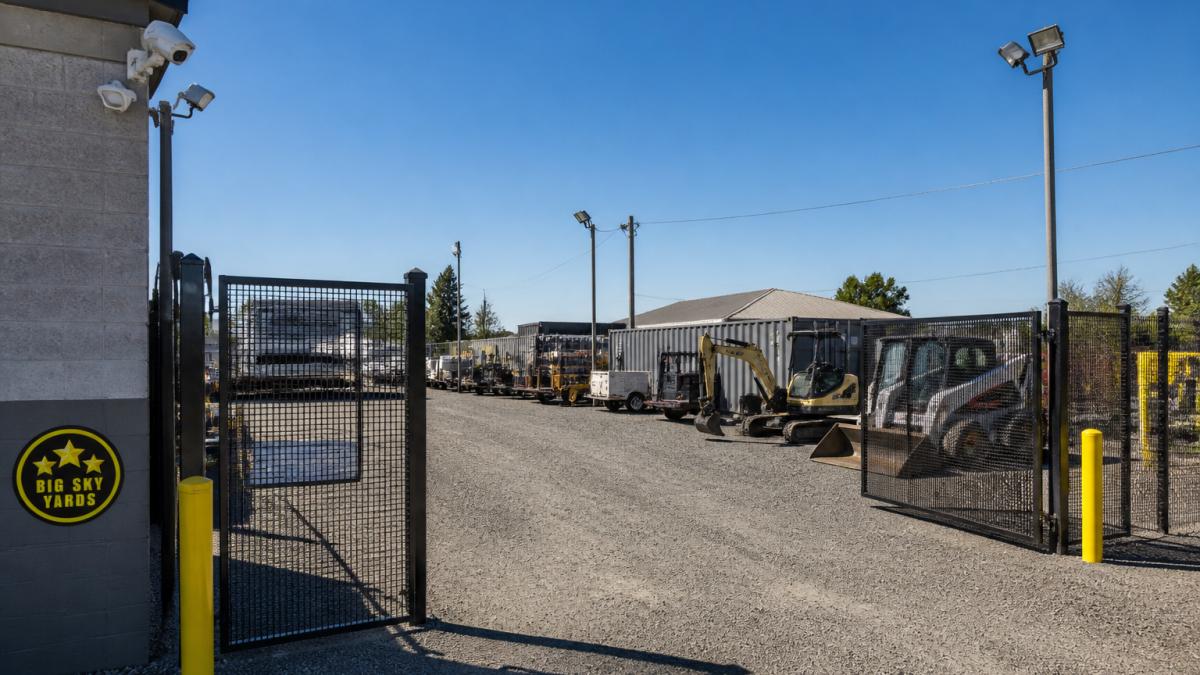
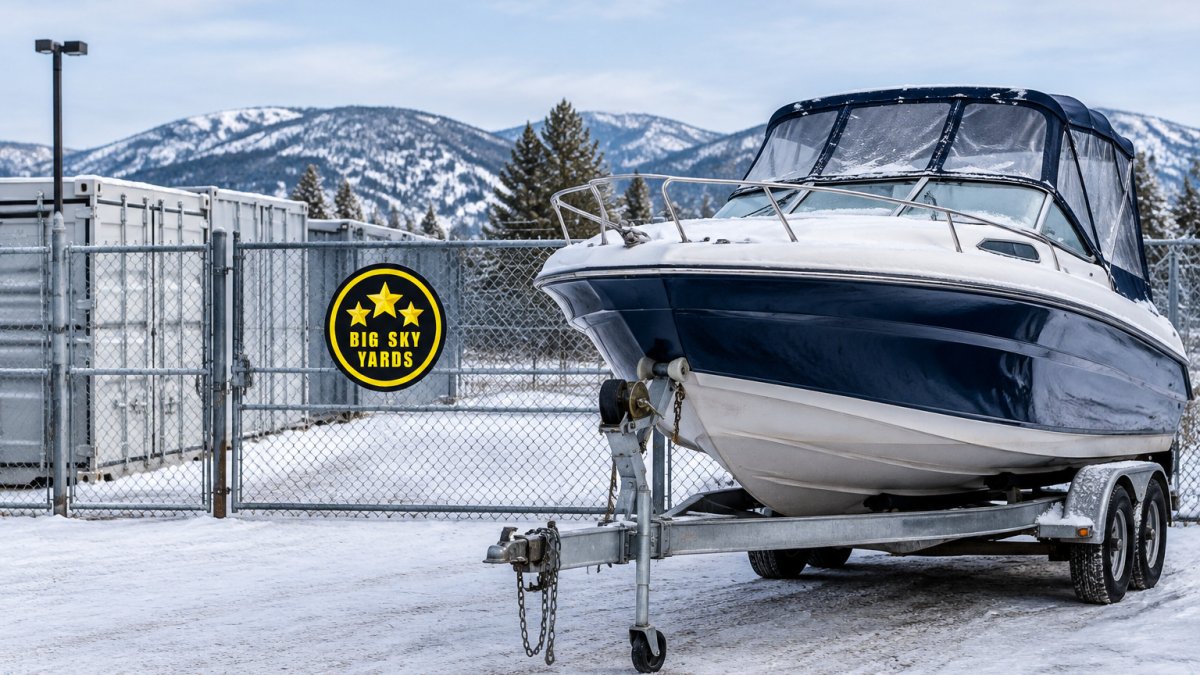
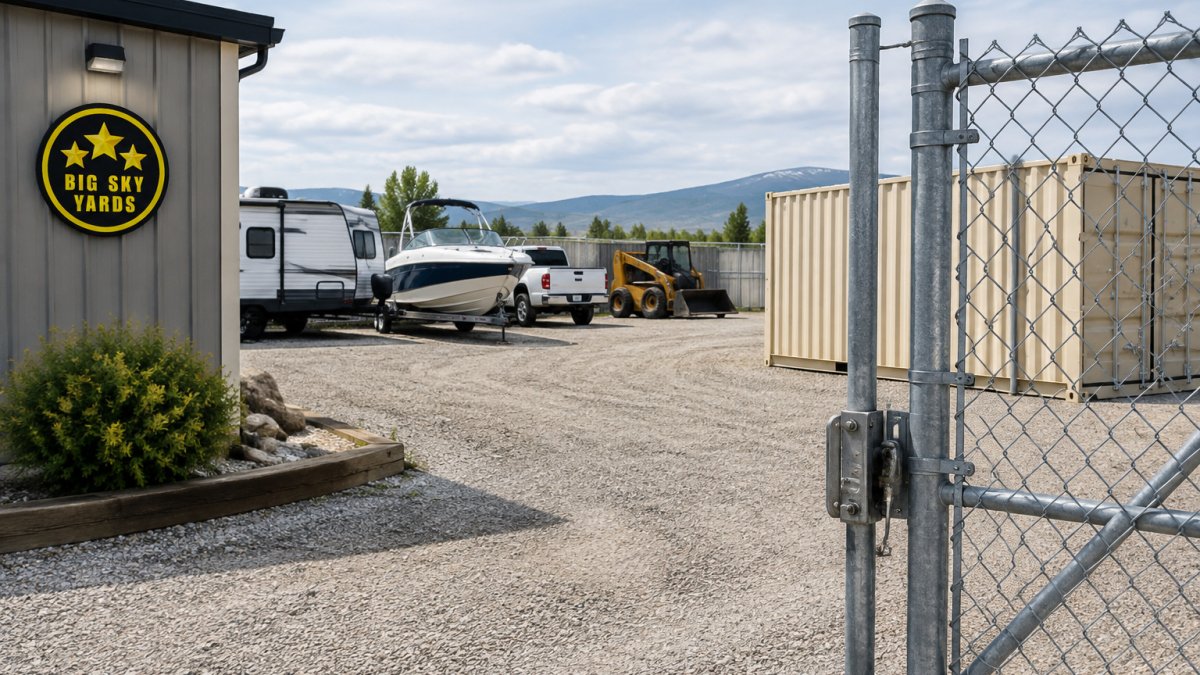
A proper contractor yard needs fenced perimeter security with locking gates, onsite lighting, and security cameras to deter theft and provide evidence.
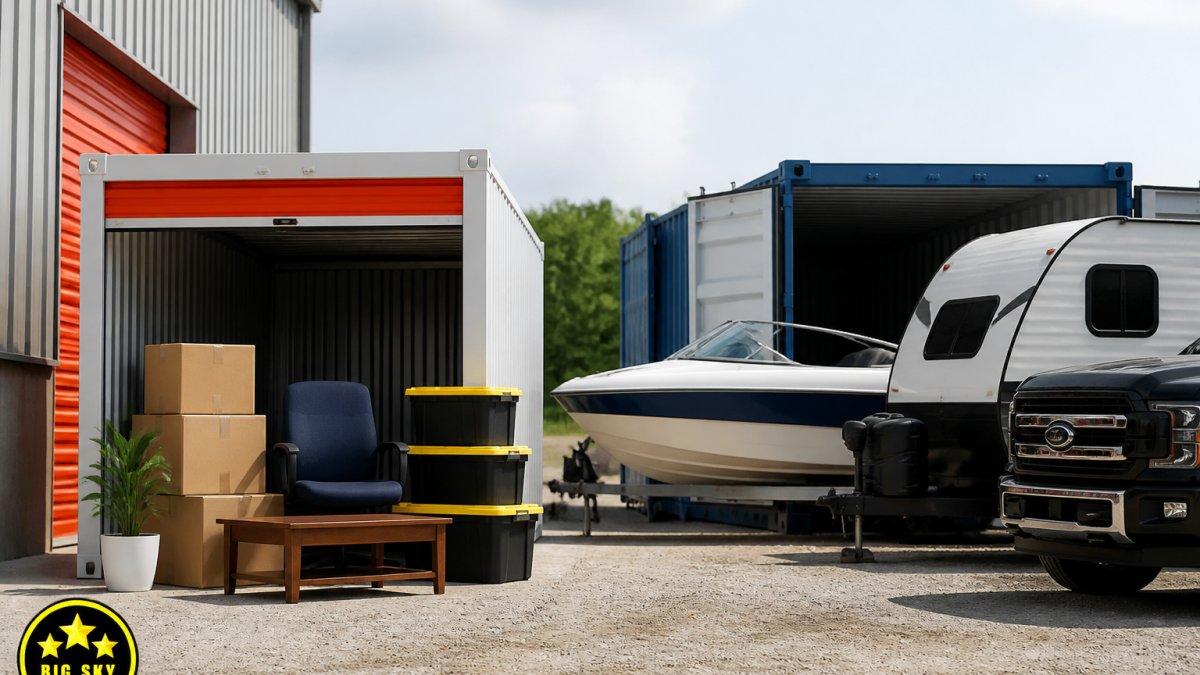
The yard should offer flexible configurations, small fenced lots, larger spaces for multiple vehicles or trailers, plus optional storage containers and reserved parking for XL RVs and enclosed trailers as your business grows.
Secure Equipment Storage Yard Features That Matter
The best contractor storage yards share specific security and operational features. Here's what to look for when evaluating a facility.
Fenced perimeter with locking gates. This is the baseline. A fenced yard prevents casual theft and unauthorized access.
Onsite lighting. Darkness invites theft.
Security cameras. Visible cameras deter theft, and footage provides evidence if incidents occur.
Flexible space configurations. Don't pay for space you don't use.
Convenient location. A yard 30 minutes away becomes a burden, you'll delay accessing equipment because the drive isn't worth it.
Construction Material Storage and Container Options
Contractors storing building materials, lumber, drywall, or other inventory face different challenges than those storing equipment. Materials need protection from weather, theft, and damage.
Enclosed storage containers solve this.
For contractors managing multiple jobs simultaneously, having material storage at your yard reduces the need to transport everything to each site.
Big Sky Self Storage Yards offers optional 20' containers within our secured yard spaces. You get the security of the fenced yard plus the weatherproofing of an enclosed container.
Fenced Storage Yard Rental: Security, Access, and Flexibility
Renting a fenced storage yard offers advantages over owning land or renting generic warehouse space.
The rental model works particularly well for contractors with seasonal fluctuations. During busy seasons, you might need extra space.
Security in a rental yard depends on the operator's commitment to the facility.
Access flexibility matters too. Can you access your equipment 24/7, or are there restricted hours? Do you need to call ahead, or can you come and go freely?
Big Sky Self Storage Yards provides 24/7 access to your rented space. You're never waiting for office hours to retrieve equipment.
Making Your Decision: Key Factors for Contractor Storage
If your search was really about construction software, the decision framework is different from choosing a storage yard. This section covers the factors that separate a good software decision from an expensive one, including the parts most comparison articles skip: total cost, migration, and implementation.
Start With Your Actual Workflow
Before comparing products, write down how work actually flows through your company today. A useful exercise is to map one job end to end:
- Lead comes in and gets qualified.
- Estimate is built and submitted.
- Contract is signed and budget is set.
- Crews are scheduled and materials are ordered.
- Field work is logged daily, including time and photos.
- Change orders are priced and approved.
- Pay applications and invoices go out.
- Job cost is reconciled and margin is reviewed.
Mark where the handoffs break today. Those breakpoints are your selection criteria. A platform that is strong where you are already fine is not solving your problem.
Company Size and Project Type Change the Answer
- One to five crews, mostly residential or light commercial. Prioritize ease of adoption and a clean estimating-to-invoice path. Heavy enterprise suites usually add more administration than they remove.
- Mid-size specialty contractor. Prioritize job costing depth and integrations with your accounting system. Field usability matters because adoption by foremen determines whether the data is real.
- General contractor managing multiple trades. Prioritize scheduling, document control, submittals, and change order routing. Integration with accounting and a field app is usually non-negotiable.
Total Cost of Ownership, Not Sticker Price
Subscription price is only part of the number. Build a three-year total cost estimate that includes:
- Subscription: per-user or per-project fees, and how they scale as you add crews.
- Modules and add-ons: estimating, job costing, and field apps are sometimes separate line items.
- Implementation: setup, data configuration, and any professional services fees.
- Training: time for office staff and field crews, plus any paid training.
- Integrations: native integrations are usually included; middleware or custom connections are not.
- Migration: exporting from your current system and importing into the new one.
- Internal time: the hours your team spends learning and cleaning data.
A lower subscription with heavy add-ons and a long implementation can cost more over three years than a higher all-in subscription. Ask each vendor for a written three-year estimate before you sign.
Migration and Implementation Without Disrupting Active Jobs
The biggest risk in switching software is not the software, it is the transition. A practical sequence:
- Export your data first. Get a full export of jobs, contacts, cost codes, and history from your current system before you cancel anything.
- Clean before you import. Duplicate customers and inconsistent cost codes will follow you into the new system. Fix them in the export.
- Pilot on one job. Run a single active job in the new platform alongside the old one for a few weeks. Compare job cost and change order handling.
- Train by role. Office staff need reporting and billing; foremen need mobile time and daily logs. Do not train everyone on everything.
- Set a cutover date. Move new jobs to the new system on a fixed date and keep the old system read-only for history.
- Review at 30 and 90 days. Check adoption, data quality, and whether the original bottleneck has actually improved.
Most practitioners find that a pilot on one job catches more problems than a month of demos. Budget two to four weeks for a focused field tool and longer for a full suite, depending on how much historical data you migrate.
Questions to Ask Every Vendor
- Can you show a real change order moving from pricing to approval to invoice?
- How does the mobile app behave offline, and how does it sync when connectivity returns?
- Which accounting systems do you integrate with natively, and what is the sync direction?
- What does implementation include, and what costs extra?
- How do you handle data export if we leave?
- What is the per-user cost at our expected headcount in year two and year three?
A Simple Scoring Model
Score each candidate from one to five on workflow fit, job costing depth, field usability, integrations, total three-year cost, and implementation risk. Weight the categories based on your biggest bottleneck. The highest total is not automatically the winner, a low score on implementation risk can sink an otherwise strong choice. The goal is a decision you can defend to your team and revisit in a year, not the perfect product on paper.
Frequently Asked Questions
What is Lynx Build, and what does it offer contractors?
Lynx Build is a job management and scheduling platform designed for construction and contracting businesses. It provides tools for project planning, crew coordination, and job tracking. However, it's primarily software for workflow management rather than physical equipment storage. Many contractors use Lynx Build alongside a secure equipment storage yard to manage both their operations and protect their tools and materials on site.
What should contractors look for in a secure equipment storage yard?
The best contractor equipment storage includes double-secured fencing with locking gates, onsite security cameras and lighting, convenient highway access, and flexible space options like 20-foot containers or 12-foot by 40-foot parking spots. Look for facilities that understand contractor workflows, offer month-to-month or annual flexibility, and provide transparent pricing without hidden fees. Proximity to your job sites and I-86 access matters for daily efficiency.
Is a fenced storage yard or a storage container better for contractor equipment?
Both serve different needs. A fenced storage yard rental offers flexibility to store multiple types of equipment, vehicles, and materials in one location with easy access. Storage containers provide more compact, individual protection for specific tools and materials. Many contractors benefit from a combination: a fenced yard for larger equipment and vehicles, plus optional containers for high-value or weather-sensitive items. Choose based on your equipment variety and access frequency.
How do contractors choose between different outdoor storage facilities?
Compare facilities by evaluating security features (cameras, gates, lighting), space size and configuration, pricing transparency, contract flexibility, location accessibility, and customer feedback from other local contractors. Ask about early cancellation policies, whether pricing includes security monitoring, and if the facility can accommodate your specific equipment, especially full-size enclosed trailers or XL RVs. Request references from contractors in your area to confirm reliability and track record.